
Kia Rio: Crash Pad / Glove Box Housing
Components and components location
| Component Location |
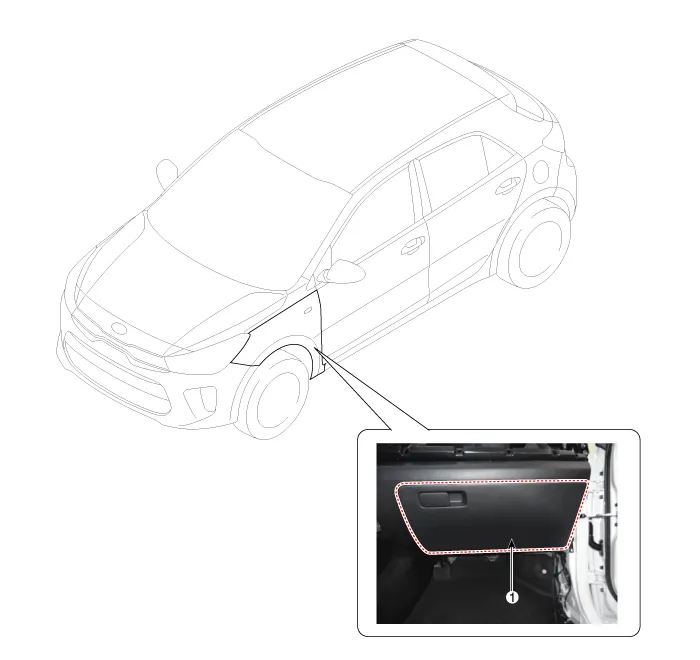
| 1. Glove box housing assembly
|
Repair procedures
| Replacement |
Put on gloves to protect your hands. |

|

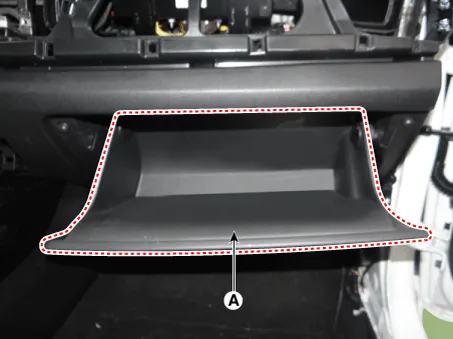
| 1. |
Disconnect the stopper (B) from the glove box (A).
|
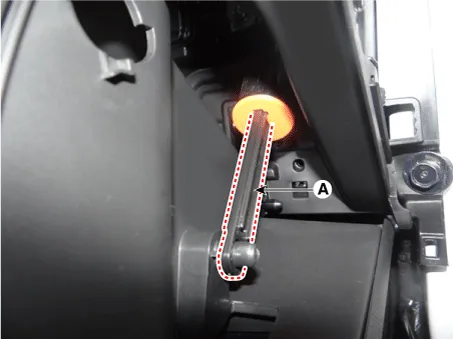
| 2. |
Disconnect the air damper (A) from the glove box.
|
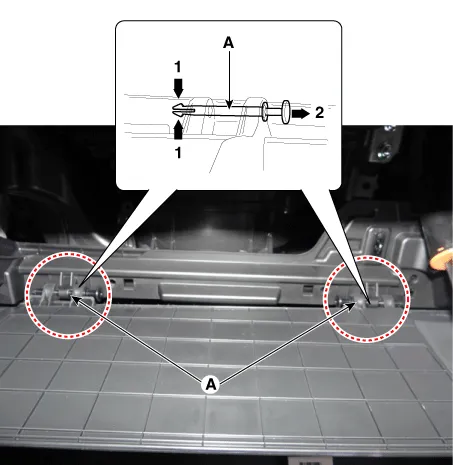
| 3. |
Disconnect the pins (A) and then remove the glove box (B).
|
| 4. |
Install in the reverse order of removal.
|
Components and components location Component Location 1. Crash pad lower panel Repair procedures Replacement Put on gloves to protect your hands.
Components and components location Component Location 1. Steering column shroud lower panel 2. Steering column shroud upper panel Repair procedures Replacement [Steering column shroud upper panel] Put on gloves to protect your hands.
Other information:
Kia Rio 2017-2023 YB Service Manual: Headlamps
Description and operation Description BI-FUNCTION 1. Definition – A headlamp with integrated functions of high and low beam – The light is controlled by rotating the shield inserted to the lens.
Kia Rio 2017-2023 YB Service Manual: Power Window Switch
Components and components location Components Driver Power Window Switch Connector Pin Information [Front / Rear Driver Safety - Auto Up/Down] [LHD] No. Description No. Description 1 Front right power window (Up) 10
Categories
- Manuals Home
- Kia Rio Owners Manual
- Kia Rio Service Manual
- Clutch System
- Timing Chain
- Filler-Neck Assembly
- New on site
- Most important about car
